
Best Booking Software for Pilates Studios
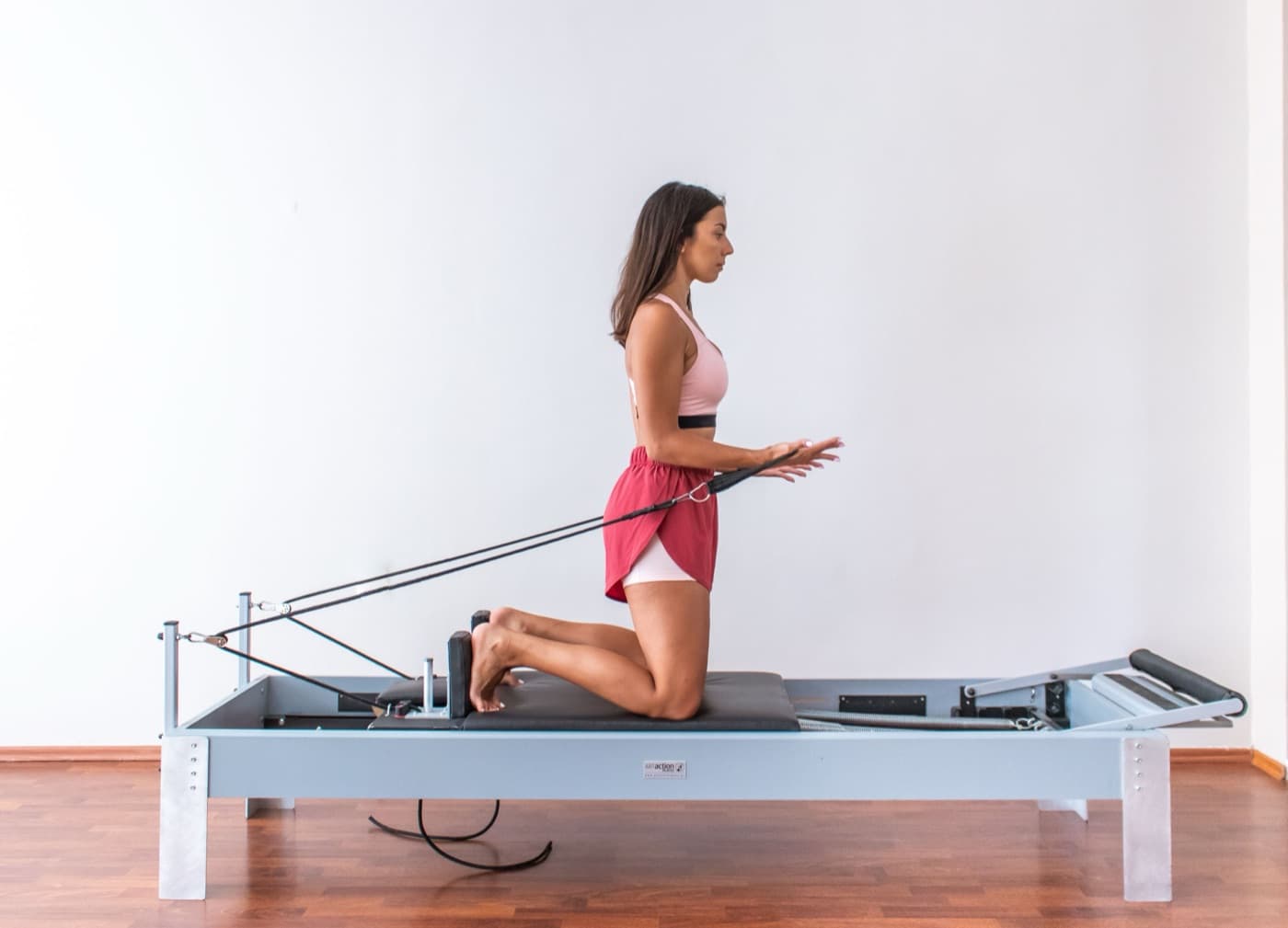
Does this sound familiar? Your 9am reformer class is full, but someone booked a tenth spot on a studio with nine reformers. A client wants to swap their private session. Someone else is not sure how many classes are left on their pack.
You do not need a big, complicated studio system: you just need a simple tool that matches your reformers, takes payment and keeps your classes full.
In this guide, we will look at what to look for in pilates booking software, what the popular options cost, and how to set it up for reformer, mat and private sessions.
New to booking software? Start with What Is Sports Club Management Software, Complete Guide and How Sports Clubs Should Handle Online Bookings, then come back here.

Quick Answer
Match spots to your reformers: A reformer class should never take more bookings than you have machines.
Keep private and group apart: Private sessions and group classes need their own prices, times and cancellation rules.
Offer memberships and packs: Memberships bring steady income, and packs suit clients with a changing week.
Test it on your phone: If a client cannot book and pay in about a minute, they will message you instead.
Why Pilates Studios Need More Than a Calendar
A pilates studio has a few things that a simple calendar cannot handle.
Reformers set the limit: You have a fixed number of machines, so one wrong setting can overbook a class.
Private and group sessions: Private and duet sessions need their own times and prices, often with stricter cancellation rules.
Different ways to pay: Some clients have a membership, some use a pack, and some come for a single class.
Empty spots: When someone cancels late, the spot should go to the next person on the waitlist, not stay empty.
Messages all day long: Questions about spots, packs and changes come in by message, often in the evening.
You need one tool that knows about your classes, reformers and payments together.
The 3-Step Check
Use these three steps on any tool you look at:
1. Check the basics
Can it handle reformer, mat and private sessions, waitlists, memberships and packs without workarounds? Use the checklist below.
2. Book a class as a client
Book and pay for a reformer class on your own phone. If it takes more than about a minute, some clients will give up.
3. Add up the real cost
Count the monthly price, card fees and any extras together, based on your own number of clients, instructors and locations.
Quick Checklist: What Your Software Should Do
Class limits per class: Set the number of spots for each class to match your reformers or mat space.
Private and group sessions: Run private sessions, duets and group classes side by side, each with its own price.
Memberships and packs: Sell memberships that renew automatically, class packs and single classes.
Payment when booking: Clients pay or use a credit when they book, so you chase less money and get fewer no-shows.
Waitlists and cancellation rules: When someone cancels, the next person on the waitlist gets the spot.
Simple reports: See how full your classes are, who did not turn up and how much each class brings in.
If a tool can do most of these, your studio will run much more smoothly.
What These Platforms Cost
We build Book2befit, so we have a direct interest here. Prices change often, so always check each company's own website before you decide.
| Platform | What it costs | Best for |
|---|---|---|
| Book2befit | Free, €49 or €99 a month, not charged per location | Small to mid-sized pilates studios, with one or a few rooms or locations |
| Mindbody | Reported from €99 a month per location | Larger studios that want to be listed in the Mindbody app |
| WellnessLiving | Reported from around $69 a month | Studios that want marketing tools in the same system |
| Vagaro | Reported around $30 to $90 a month | Studios that also offer salon or spa treatments |
| TeamUp | Priced by number of members | Studios that want a simple, class-first setup |
Each platform charges in a different way, so work out what you would actually pay for your studio.
What Book2befit Does for Pilates Studios
Book2befit is made for studios that want simple online booking, memberships and payments. Here is what it covers:
Reformer, mat and private sessions: Give every class its own number of spots, and share private sessions through a private link.
Waitlists: When a class is full, clients join the waitlist, and the next person is offered the spot when someone cancels.
Memberships and packs: Sell memberships that renew automatically, class packs and single classes, on every plan including the free one. You can link a pack to certain classes, such as reformer only.
Instructors in the right place: An instructor cannot be booked on two sessions at the same time.
A simple booking page: It opens in the phone browser, so nobody has to download an app, and it comes in 16 languages.
Reminders, check-in and no-shows: Clients get a confirmation and a reminder by email, check in with a QR code, and anyone who did not show up is marked automatically after class.
Setting Up Your Studio
Once you have picked a tool, set it up in this order.
List every class and session
Write down each class and session you offer: reformer, mat, private and duet. Note the length, the instructor and how many people fit.
Set your class limits
Set the number of spots for each reformer class to the number of reformers you have. Keep private sessions separate.
Set up your memberships and packs
Create your memberships, class packs and single classes. Make it clear when a pack runs out, so there are no surprises later.
Set your cancellation rules
Choose a cancellation time for group classes and a stricter one for private sessions. Switch on the waitlist for your busiest classes.
Check how it went after a month
Look at how full your classes are, who did not turn up and how many payments went through. Use it to fix times, class sizes and prices.
Quick Do's and Don'ts
| Do | Don't |
|---|---|
| Match spots to your reformers: One spot per machine, every class. | Use one setup for everything: Private and group sessions need their own rules. |
| Test it on your phone first: Book and pay as a client would. | Choose on features alone: A long list means little if booking is slow. |
| Start with your main classes: Add workshops and extras once it runs smoothly. | Launch every option at once: Too many choices confuse clients at the start. |
Simple Numbers to Watch
Full classes: Many studios aim for 70 to 90 out of every 100 spots filled in their regular classes.
No-shows: With payment at booking and reminders switched on, aim to keep no-shows below 10 to 15 out of every 100 bookings.
Payments finished: A good goal is for more than 85 out of every 100 people who start booking to finish and pay.
Admin time: Write down how many hours a week you spend on messages and payments now, then compare after a month.
Treat these as goals, not rules. Your own numbers matter more once you have a few weeks of data.
Final Takeaway
Pick a simple tool that matches your reformers, keeps private and group sessions apart, and lets clients book and pay in about a minute.
Keep going with Private Lessons vs Group Sessions, How to Run Both Profitably, How Pilates Studios Should Structure Intro Offers and Packs, and the full set of Pilates guides.
Frequently Asked Questions
Related articles
Private Pilates vs Group Reformer: Profit Framework
Private pilates sessions or group reformer classes? A simple profit framework with revenue-per-hour maths, a checklist and benchmark ranges.
Best Yoga Studio Booking and Membership Software for 2026
A plain-English guide to choosing booking and membership software for your yoga studio: what to look for, what the popular options cost, and how to set it up.
Best CrossFit Box Booking & Membership Software 2026
A plain-English guide to choosing booking and membership software for your CrossFit box: what to look for, what the popular options cost, and how to set it up.